Guardians
Guardian information includes phone number, email address, and which students they are responsible for. If the contact information for guardians is incorrect, the guardian will have trouble signing into the Bus Compass app.
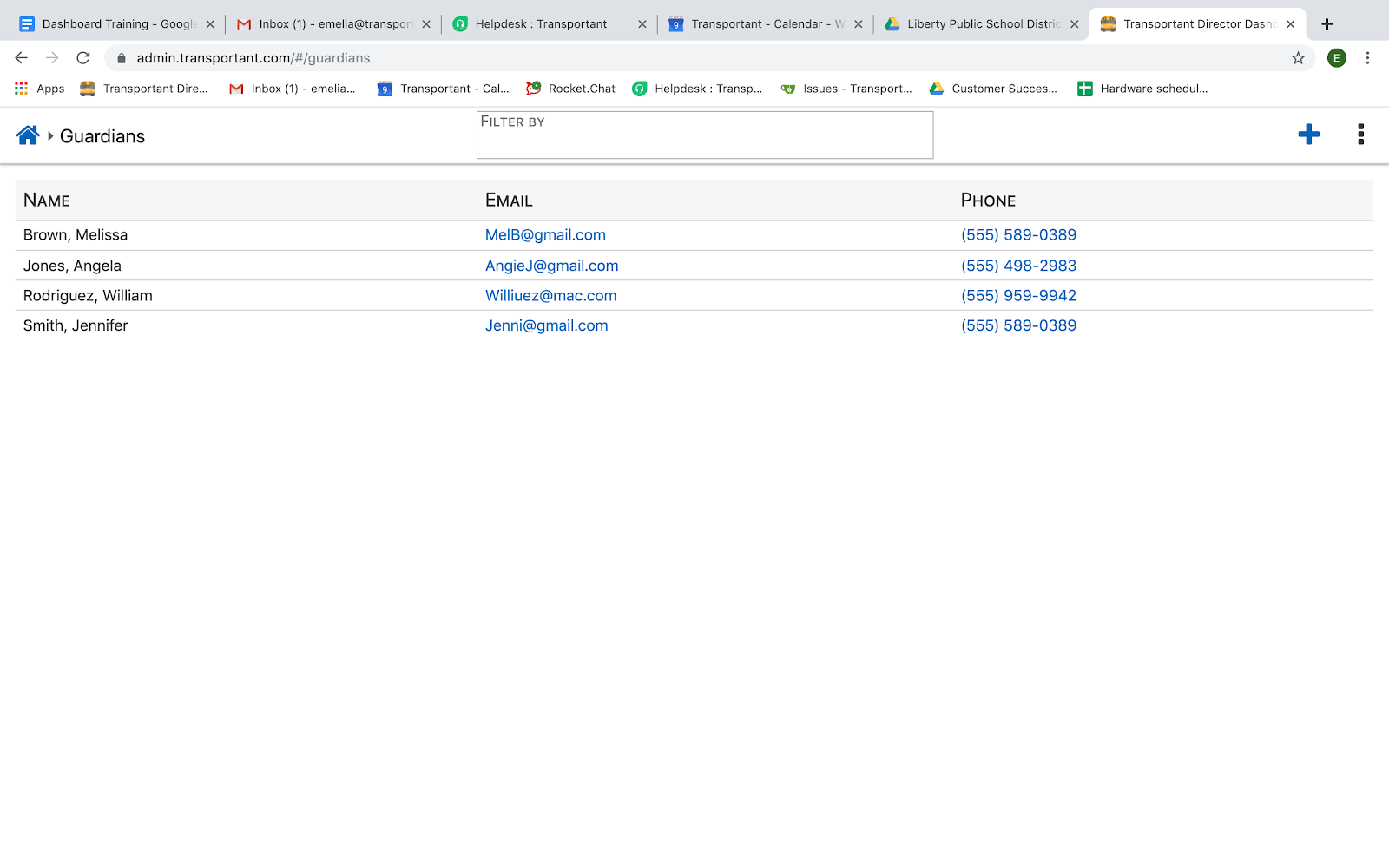
Manually Add Guardians
- Click the Blue Plus (
) in the upper right-hand corner and complete the necessary information.
- Click someone else on the screen or hit TAB. The green checkmark means the system has saved the data.
Related Articles
App Usage
The App Usage page is found on the dashboard's main page in the Bus Compass section. This page helps you understand how and when students and parents use the Bus Compass app. Views The App Usage page has six views to help you drill down to the ...Live Video
The Live Video tile is found in the Audio/Video section. Select which bus you would like to access by opening the drop-down menu in the upper left-hand corner. Any bus which is online will show up. If the bus you want is offline, you will need to ...